


AI Video Editing Tools: The Ultimate Guide to Smarter and Faster Video Creation (2026)
Artificial Intelligence is transforming the digital content landscape, and AI video editing tools are at the forefront of this revolution. From YouTube creators and marketers to businesses and educators, everyone is now leveraging AI-powered video editing software to create professional-quality videos quickly and efficiently.
Traditional video editing often requires advanced technical skills, powerful computers, and hours of manual work. AI-powered tools simplify this entire process by automating tasks such as cutting clips, adding captions, improving audio quality, and even generating videos from text.
In this comprehensive guide, we will explore what AI video editing tools are, their benefits, key features, the best tools available today, and how they can help creators produce high-quality content faster.
What Are AI Video Editing Tools?
AI video editing tools are software platforms that use artificial intelligence, machine learning, and automation to simplify the video editing process. Instead of manually editing every frame, these tools analyze footage and automatically perform editing tasks.
AI algorithms can detect scenes, identify important moments, remove background noise, generate subtitles, and even create complete videos from written scripts.
For example, if you upload a podcast recording, AI tools can automatically:
a) Detect silent sections and remove themb) Generate subtitles
c) Highlight key moments
d) Convert the long video into short social media clips

Why AI Video Editing Tools Are Becoming Popular
The demand for video content is increasing rapidly across platforms such as YouTube, Instagram, TikTok, and LinkedIn. Businesses and creators need to produce high-quality videos frequently, and AI video editing tools make this possible.
Here are some major reasons behind their growing popularity.
1. Faster Editing Process
One of the biggest advantages of AI-powered video editing is speed. Tasks that normally
take hours can be completed in minutes.
AI can automatically:
a) Trim unwanted
footage
b) Remove pauses and filler words
c) Sync audio and video
d)
Apply transitions
This allows creators to focus on storytelling rather than technical editing.
2. Beginner-Friendly Video Creation
Traditional video editing software can be complex and overwhelming for beginners. AI tools simplify the workflow with automation and intuitive interfaces.
Even users with no editing experience can create professional videos using AI-powered suggestions and automated editing features.

3. Automatic Subtitles and Captions
Subtitles significantly improve engagement and accessibility. AI video editors can generate captions automatically with high accuracy.
Captions help:
a) Increase watch time
b) Improve accessibility for hearing-impaired audiences
c) Boost social media engagement
d) Improve SEO for video platforms
4. Smart Scene Detection
AI tools analyze video content and automatically detect different scenes or highlights.
For example, AI can identify:
a) Increase watch time
b) Improve accessibility for hearing-impaired audiences
c) Boost social media engagement
d) Improve SEO for video platforms
This makes it easier to create highlight reels and short clips.
5. Content Repurposing for Multiple Platforms
AI tools can convert long videos into shorter clips optimized for platforms like:
a) YouTube Shorts
b) Instagram Reels
c) TikTok
d) LinkedIn videos
This helps creators maximize their content reach without manually editing multiple versions.
6. Improved Audio and Video Quality
AI algorithms can enhance video quality automatically by:
a) Removing background noise
b) Stabilizing shaky footage
c) Adjusting brightness and color
d) Enhancing speech clarity
This ensures your videos look and sound professional.

Key Features of AI Video Editing Tools
Most AI video editing platforms include several powerful features that simplify the editing process.
1. Text-Based Video Editing
Text-based editing allows users to edit videos by modifying the transcript. If you delete a sentence from the transcript, that section is automatically removed from the video.
This feature is particularly useful for:
a) Podcast editing
b) Interviews
c) Educational videos
d) YouTube content
2. AI Voiceovers
Some tools allow users to generate voiceovers using realistic AI voices. This is useful for creating explainer videos, marketing videos, and educational content without recording audio.
3. Background Removal
AI-powered background removal allows creators to replace or remove backgrounds without using a green screen.
This feature is often used for:
a) Product videos
b) Social media content
c)
Marketing campaigns
4. Automatic Highlight Creation
AI can identify the most engaging parts of a video and generate highlight clips automatically.
This is extremely useful for turning long videos into short-form content.
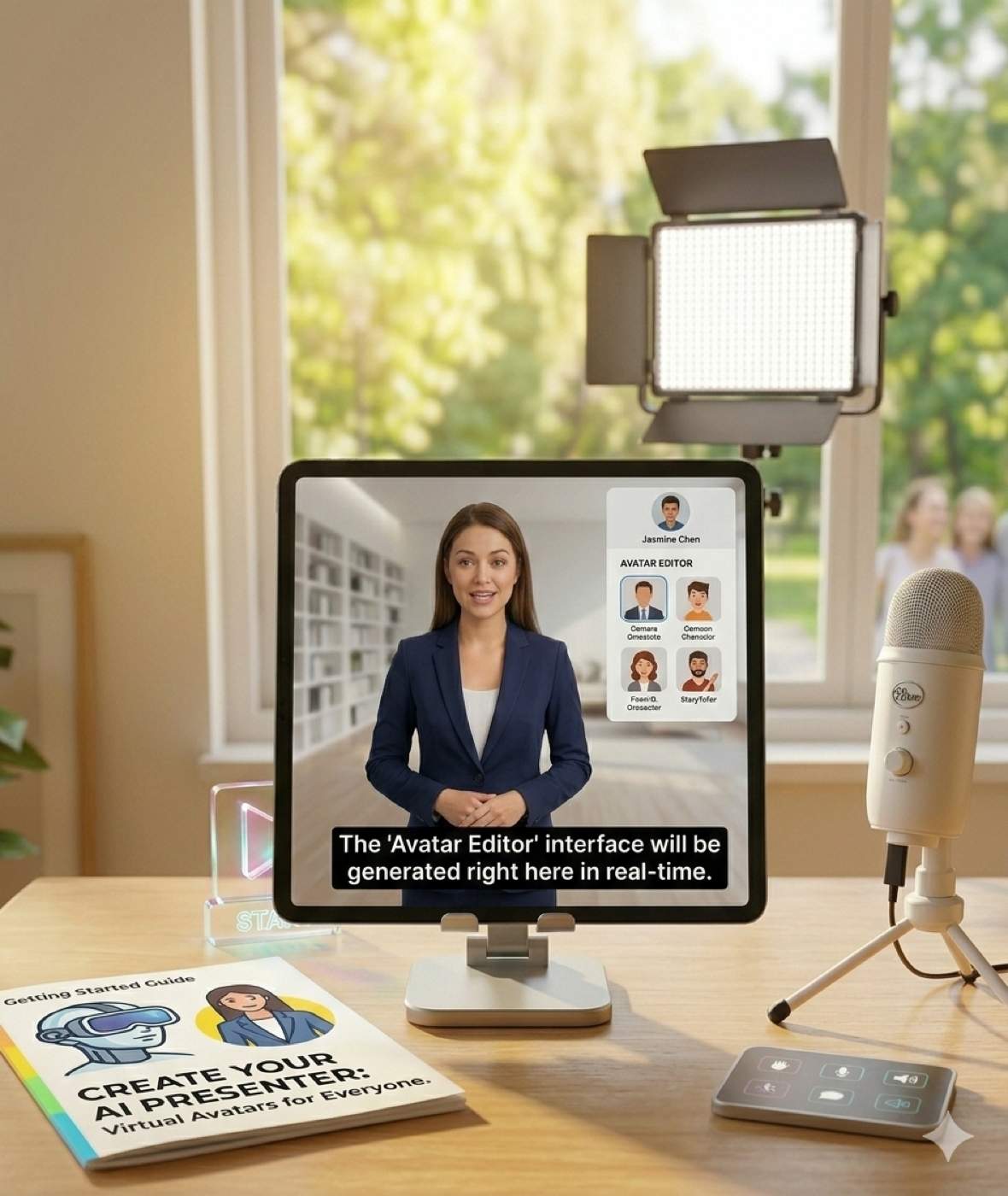
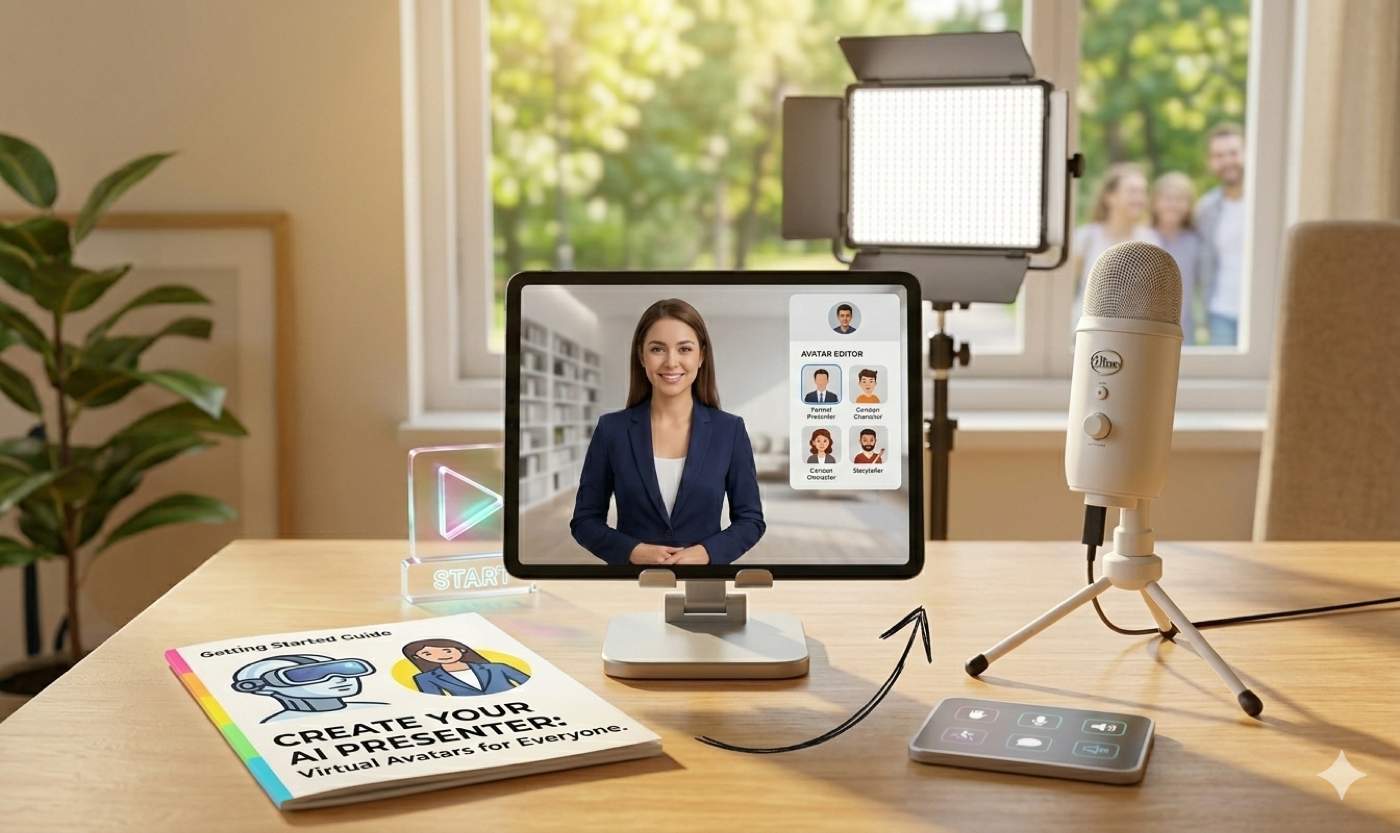
5. AI Avatars and Virtual Presenters
Some advanced AI tools allow users to create videos with virtual presenters or avatars that speak scripts automatically.
This technology is becoming popular for:
a) Corporate training
b) Marketing
videos
c) Online courses
Best AI Video Editing Tools in 2026
There are many AI video editing tools available today, each offering unique features. Below are some of the most popular platforms used by creators and businesses.
1. Descript
Descript is a powerful AI video and audio editing tool that allows users to edit videos by editing text transcripts.
Key features include:
a) Text-based editing
b) Automatic transcription
c) Filler word removal
d) Screen recording
e) AI voice cloning
It is widely used by podcasters, YouTubers, and educators.
2. Runway
Runway is an advanced AI creative platform that offers powerful video editing features.
Key features include:
a) Text-based editing
b) Automatic transcription
c)
Filler word removal
d) Screen recording
e) AI voice cloning
It is widely used by podcasters, YouTubers, and educators.
3. Pictory
Pictory is designed for marketers and content creators who want to convert written content into videos.
Key features include:
a) Blog-to-video conversion
b) Automatic subtitles
c) Stock footage integration
d) Social media optimization
This tool is particularly useful for turning blog posts into engaging videos.
4. Synthesia
Synthesia is an AI video generation platform that allows users to create videos using AI avatars.
Key features include:
a) AI presenters
b) Text-to-video generation
c)
Multilingual voiceovers
d) Corporate training videos
Many companies use Synthesia to create professional videos without cameras or actors.
5. Wisecut
Wisecut is designed for creators who produce talking-head videos.
Key features include:
a) Automatic silence removal
b) Background music
integration
c) Auto subtitles
d) Smart zoom effects
This tool is perfect for YouTubers and online educators.

How AI Video Editing Helps Businesses
AI video editing tools are not only useful for creators but also for businesses looking to scale their marketing efforts.
Marketing and Advertising
Businesses can create promotional videos quickly and distribute them across multiple platforms.
Social Media Content
AI tools help companies generate frequent short-form videos for social media engagement.
Training and Education
Organizations can create training videos using AI avatars and voiceovers without requiring production teams.
Product Demonstrations
Companies can easily create product demo videos for marketing and customer support.
Conclusion
AI video editing tools are revolutionizing the way videos are created and edited. By automating repetitive tasks and enhancing production quality, these tools allow creators and businesses to produce professional videos quickly and efficiently.
Whether you are a YouTuber, marketer, educator, or entrepreneur, adopting AI-powered video editing tools can significantly improve your content creation process.
As artificial intelligence continues to evolve, video production will become more accessible, faster, and more creative than ever before.
Leave a Reply
Your email address will not be published. Required fields are marked *